Creating engaging learning materials can be a fun and rewarding experience. One effective way to help children develop their writing skills is by using tracing worksheets. These worksheets provide a hands-on approach to learning letters and numbers.
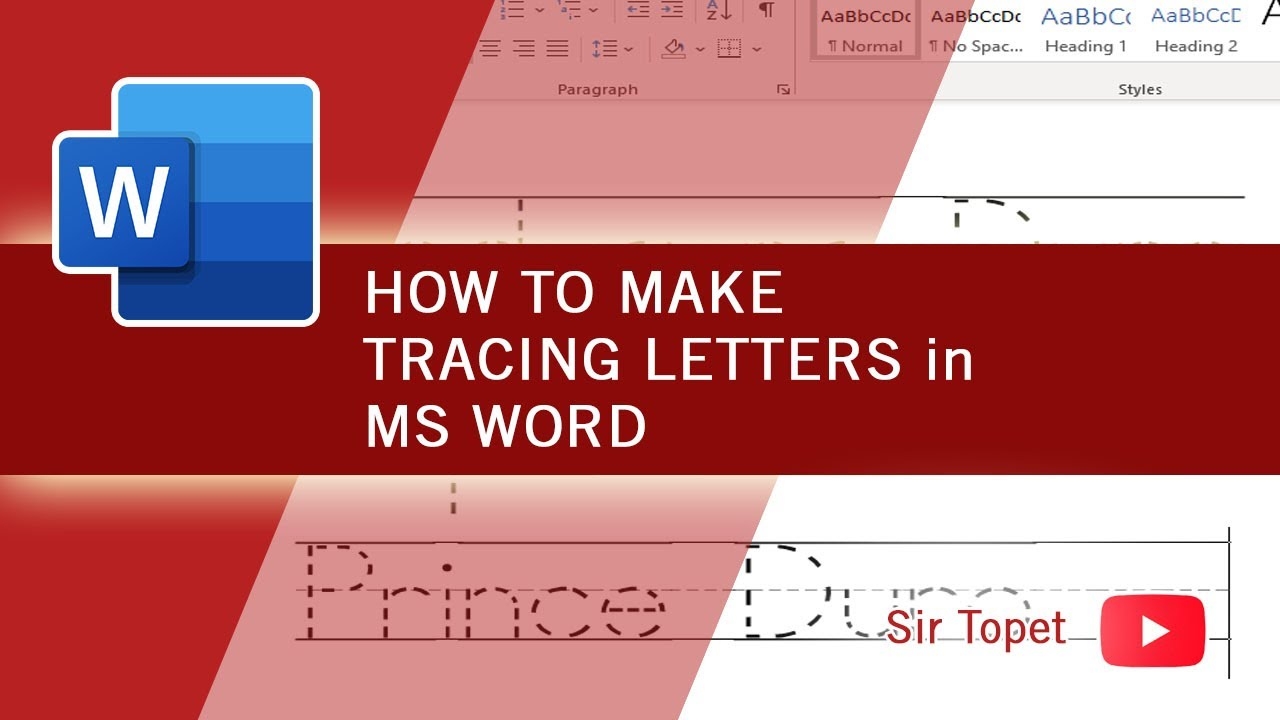
Create Tracing Worksheets Microsoft Word
Create Tracing Worksheets Microsoft Word
To start, open Microsoft Word and select a blank document. Choose a suitable font that is easy to read, such as Arial or Comic Sans, which works well for young learners. Adjust the font size to ensure clarity.
Next, type the letters or numbers you want children to trace. To make it more engaging, consider adding images or fun graphics related to the letters or numbers. This visual element can enhance the learning experience.
Once your text is ready, adjust the line spacing and add dotted lines for tracing. You can do this by changing the font color to light gray or using a dashed line style. This helps children see where they need to write.
Finally, save your document and print it out for use. You can also save it as a template for future worksheets, making it easy to create new ones whenever needed.
Creating tracing worksheets in Microsoft Word is simple and enjoyable. With just a few steps, you can provide valuable resources that support children’s learning and development in a fun way.
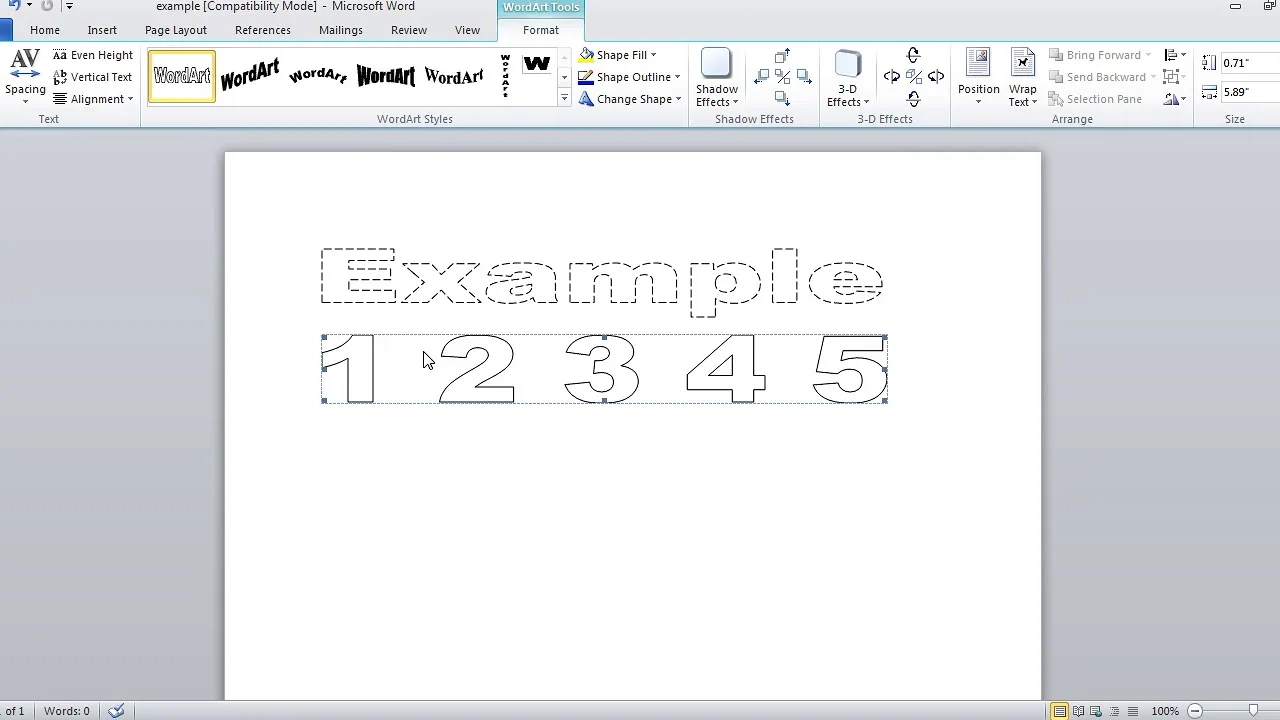
How To Make Tracing Letters In Microsoft Word 2010 Softwareg au
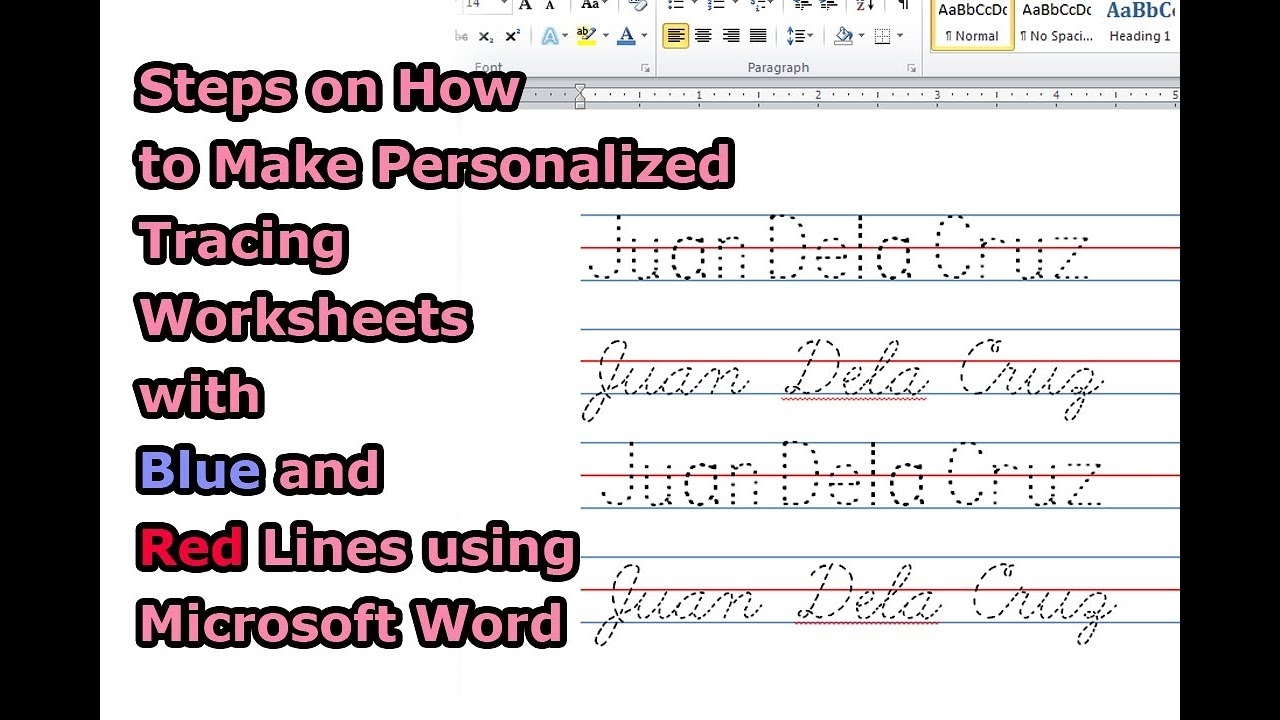
Steps On How To Make Personalized Tracing Worksheets With Blue And Red Lines Using Microsoft Word
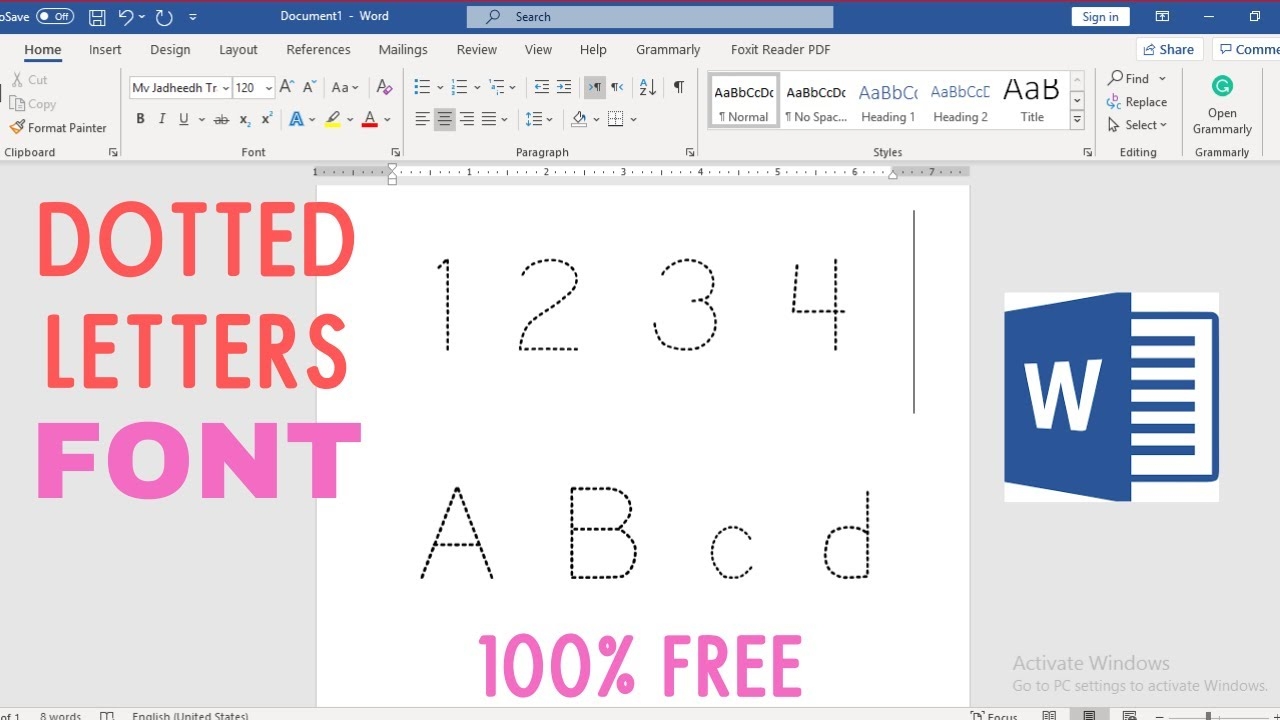
How To Make Tracing Letters In Word 2025 Dotted Letter Fonts Microsoft Word FREE
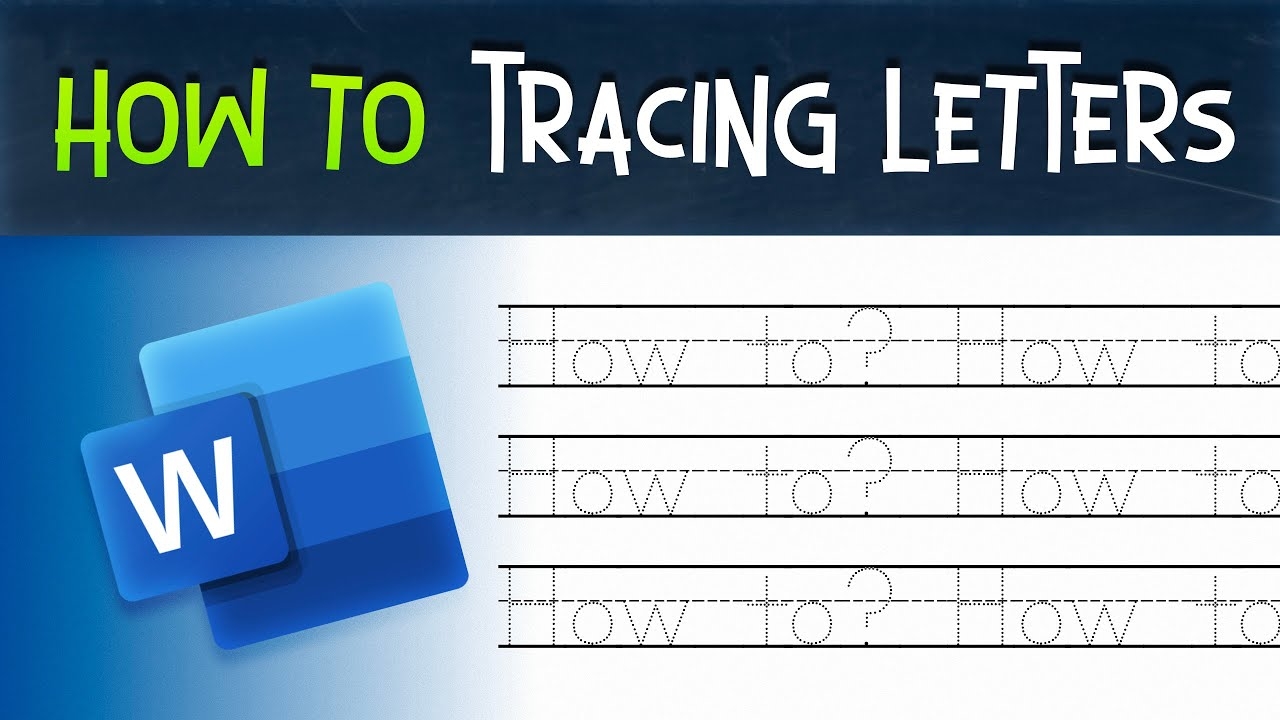
How To Make Tracing Letters In Microsoft Word 2024
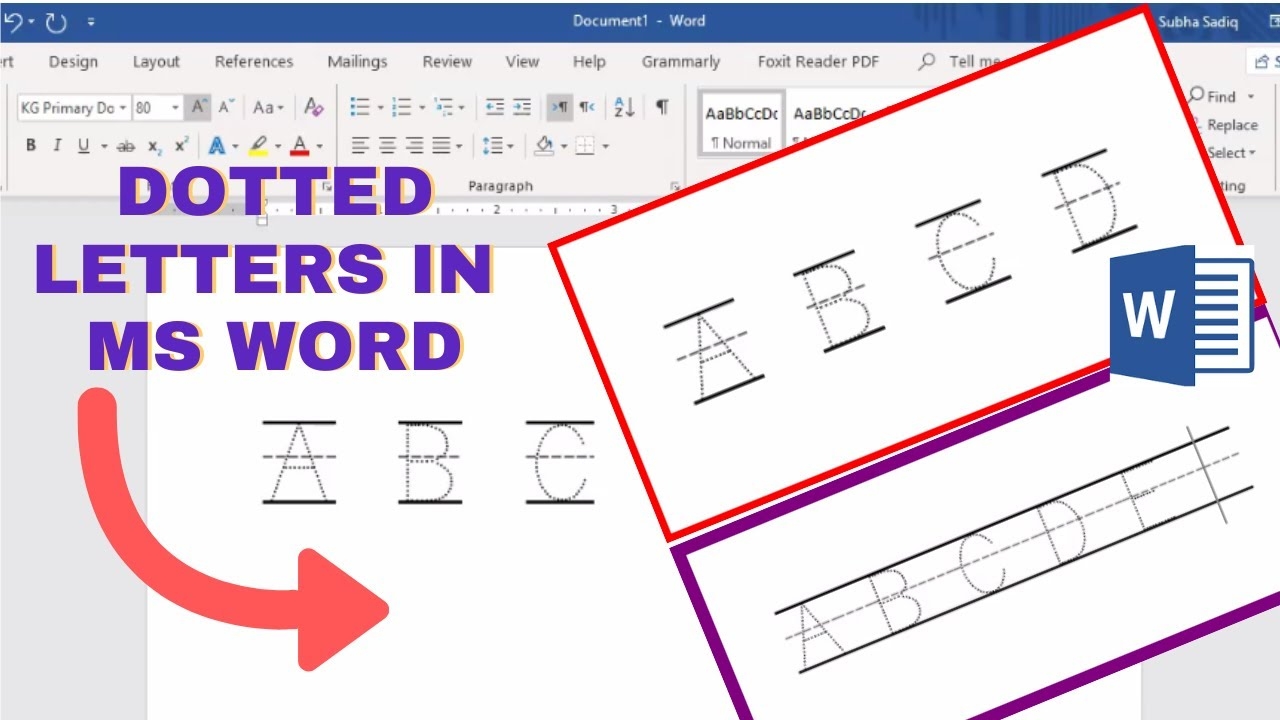
How To Make Tracing Letters In Microsoft Word 2025 Dotted Letters In MS Word